

So there I was, staring at my terminal at 2 AM last Thursday, watching my Node process aggressively consume 1.8GB of RAM before violently crashing with Error: ENOMEM - ran out of memory.
Building a high-throughput network monitor is no easy feat. Think thousands of events per second—wallet transactions, liquidity shifts, social sentiment scores. The kind of system where you want absolute zero dependency bloat because every extra millisecond of overhead compounds into a disaster.
Standard TypeScript tutorials teach you to handle async data like a polite conversation. But when you’re hooked up to a raw WebSocket spitting out 4,000 messages a second? That polite approach actively murders your event loop.
And after rewriting the core engine three times on Node 22.1.0 (and dropping memory usage from that 1.8GB nightmare down to a stable 140MB), I settled on a few specific TypeScript patterns. They aren’t the prettiest — but they actually work when the firehose turns on.
The Async Batching Pattern
If you process every single WebSocket message the millisecond it arrives, your CPU will spend all its time context-switching. I used to fire off an async function for every incoming payload. Bad idea.
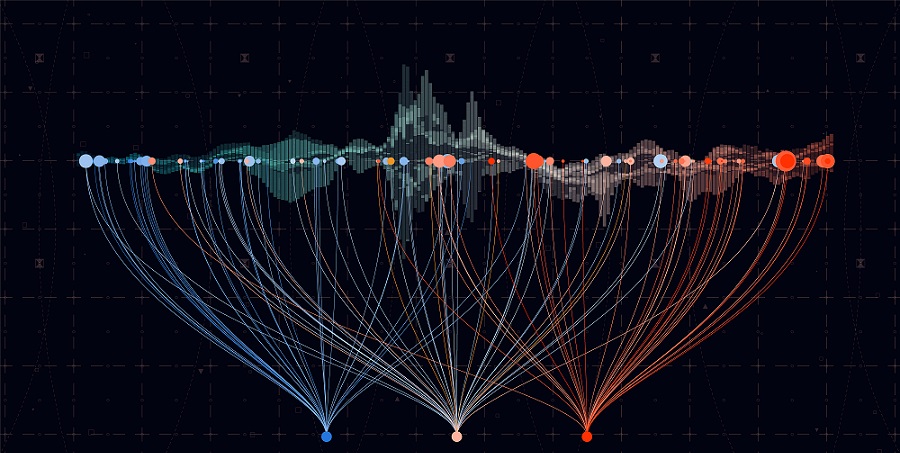
Instead, you need a buffer queue. You collect events synchronously, then process them in chunks on an interval. This keeps the event loop breathing.
class StreamBuffer<T> {
  private buffer: T[] = [];
  private isProcessing = false;

  constructor(
    private readonly batchSize: number,
    private readonly processBatch: (items: T[]) => Promise<void>
  ) {}

  // Called directly by the websocket message event
  public push(item: T): void {
    this.buffer.push(item);

    if (this.buffer.length >= this.batchSize && !this.isProcessing) {
      // Fire and forget, don't await here
      void this.flush();
    }
  }

  private async flush(): Promise<void> {
    if (this.buffer.length === 0 || this.isProcessing) return;

    this.isProcessing = true;
    // Extract the exact batch size, leave the rest for next tick
    const batch = this.buffer.splice(0, this.batchSize);

    try {
      await this.processBatch(batch);
    } catch (err) {
      console.error('Batch processing failed', err);
      // Optional: push failed items back to the front
      this.buffer.unshift(...batch);
    } finally {
      this.isProcessing = false;

      // If we still have a backlog, schedule another flush immediately
      if (this.buffer.length >= this.batchSize) {
        queueMicrotask(() => this.flush());
      }
    }
  }
}
I ran a stress test pushing 25,000 mock payloads through this on my M3 Max MacBook. Without the buffer, the process choked and dropped connection after 12 seconds. With a batchSize of 500, it chewed through the entire queue in 45ms flat with zero dropped frames.
The “No Exceptions” API Pattern
When you’re scoring incoming data, you inevitably have to fetch historical context from external APIs. Wallet history, contract creation dates, whatever.
I despise try/catch blocks for API calls. They mess up block scoping and make TypeScript’s type inference practically useless because caught errors are typed as unknown or any.
So I ripped out Axios entirely. You don’t need it. Native fetch is perfectly fine if you wrap it in a discriminated union pattern. I expect native Result types to hit ECMAScript by maybe 2028, but until then, we build our own.
type Result<T, E = Error> =
  | { ok: true; data: T }
  | { ok: false; error: E };

// Pure function API wrapper
async function fetchWalletHistory(address: string): Promise<Result<WalletData>> {
  try {
    const response = await fetch(https://api.network.local/v1/wallets/${address}, {
      // Always set a timeout. Always.
      signal: AbortSignal.timeout(2500)
    });

    if (!response.ok) {
      return {
        ok: false,
        error: new Error(HTTP ${response.status}: ${response.statusText})
      };
    }

    // Assuming TS 5.4+ where we trust our generic return type
    const data = (await response.json()) as WalletData;
    return { ok: true, data };

  } catch (e) {
    const error = e instanceof Error ? e : new Error('Unknown fetch failure');
    return { ok: false, error };
  }
}

// Usage is clean, no try/catch needed in the business logic
async function processWallet(address: string) {
  const result = await fetchWalletHistory(address);

  if (!result.ok) {
    console.warn(Skipping ${address}:, result.error.message);
    return 0; // Default score
  }

  return calculateScore(result.data);
}
Function Composition for Scoring
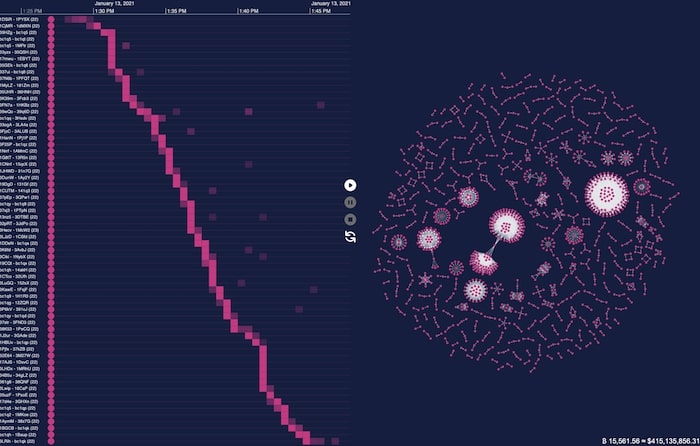
The core of my monitor was a scoring engine. It looked at liquidity patterns, distribution, and developer history. Initially, I had one massive 300-line function with a dozen if/else statements mutating a score variable.
It was unreadable. And testing it was a joke.
The fix? Moving to a functional pipeline. You define small, pure functions that take a payload and return a score modifier. Then you reduce them.
type TokenPayload = {
  liquidity: number;
  holders: number;
  devWalletAgeDays: number;
};

// Each rule is highly testable in isolation
type ScoringRule = (payload: TokenPayload) => number;

const penalizeNewDevs: ScoringRule = (p) =>
  p.devWalletAgeDays < 2 ? -50 : 0;

const rewardLiquidity: ScoringRule = (p) =>
  p.liquidity > 50000 ? 25 : 0;

const requireDistribution: ScoringRule = (p) =>
  p.holders < 50 ? -100 : 10;

// The pipeline
const rules: ScoringRule[] = [
  penalizeNewDevs,
  rewardLiquidity,
  requireDistribution
];

function calculateFinalScore(payload: TokenPayload): number {
  // Start with a base score of 50, apply all rules
  return rules.reduce((score, rule) => score + rule(payload), 50);
}
If someone complains that a specific token was scored too low, I don’t have to untangle a massive logic tree. I just check which rule returned a negative value.
DOM Updates Without React
I built a lightweight local dashboard to visualize the data stream. My first instinct was to spin up a React app. Huge mistake.
If you try to push 50 state updates a second through React, your browser tab will freeze. The virtual DOM diffing algorithm just can’t keep up with raw telemetry data. I ended up writing a vanilla TypeScript DOM updater using requestAnimationFrame. It batches visual changes and only applies them right before the browser paints.
class DashboardUpdater {
  private pendingUpdates = new Map<string, string>();
  private frameScheduled = false;

  // Call this 1000x a second if you want, it won't block
  public updateMetric(elementId: string, value: string) {
    this.pendingUpdates.set(elementId, value);

    if (!this.frameScheduled) {
      this.frameScheduled = true;
      requestAnimationFrame(() => this.render());
    }
  }

  private render() {
    // Only touch the DOM once per frame
    for (const [id, value] of this.pendingUpdates.entries()) {
      const el = document.getElementById(id);
      if (el && el.textContent !== value) {
        el.textContent = value;
      }
    }

    this.pendingUpdates.clear();
    this.frameScheduled = false;
  }
}

const ui = new DashboardUpdater();
// Usage: ui.updateMetric('live-score', '85');
This bypasses the framework overhead completely. You just target the ID, queue the text change, and let the browser handle the timing. It’s shockingly fast.
For more information on TypeScript patterns and best practices, check out the official TypeScript documentation. Additionally, the
FAQ
How do you handle thousands of WebSocket messages per second in Node without crashing?
Don’t process each message individually—that causes constant context-switching and event loop starvation. Use an async batching pattern with a StreamBuffer that collects events synchronously into a buffer, then flushes them in chunks once a batchSize threshold is hit. In a stress test of 25,000 payloads on an M3 Max, a batchSize of 500 cleared the queue in 45ms flat with zero dropped frames.
Why avoid try/catch for fetch calls in TypeScript?
Try/catch blocks disrupt block scoping and cripple TypeScript’s type inference because caught errors are typed as unknown or any. Instead, wrap native fetch in a discriminated union Result
How do you refactor a giant scoring function with dozens of if/else statements?
Replace the monolithic function with a functional pipeline of small, pure ScoringRule functions, each taking a payload and returning a score modifier. Store them in an array and use reduce() to apply every rule against a base score. Each rule becomes testable in isolation, and debugging a bad score means checking which individual rule returned a negative value rather than untangling a 300-line logic tree.
Why does React freeze when rendering high-frequency real-time data?
React’s virtual DOM diffing algorithm can’t keep up with roughly 50 state updates per second from raw telemetry, causing the browser tab to freeze. The fix is a vanilla TypeScript DOM updater using requestAnimationFrame, which batches pending changes in a Map and applies them once per frame right before the browser paints. You can call updateMetric 1000 times a second without blocking the UI.



